
Go2 Air, Pro, X or EDU: choose the package, not the promise
A practical Go2 buying checklist covering included functions, software, costs to confirm and useful demonstrations before ordering.
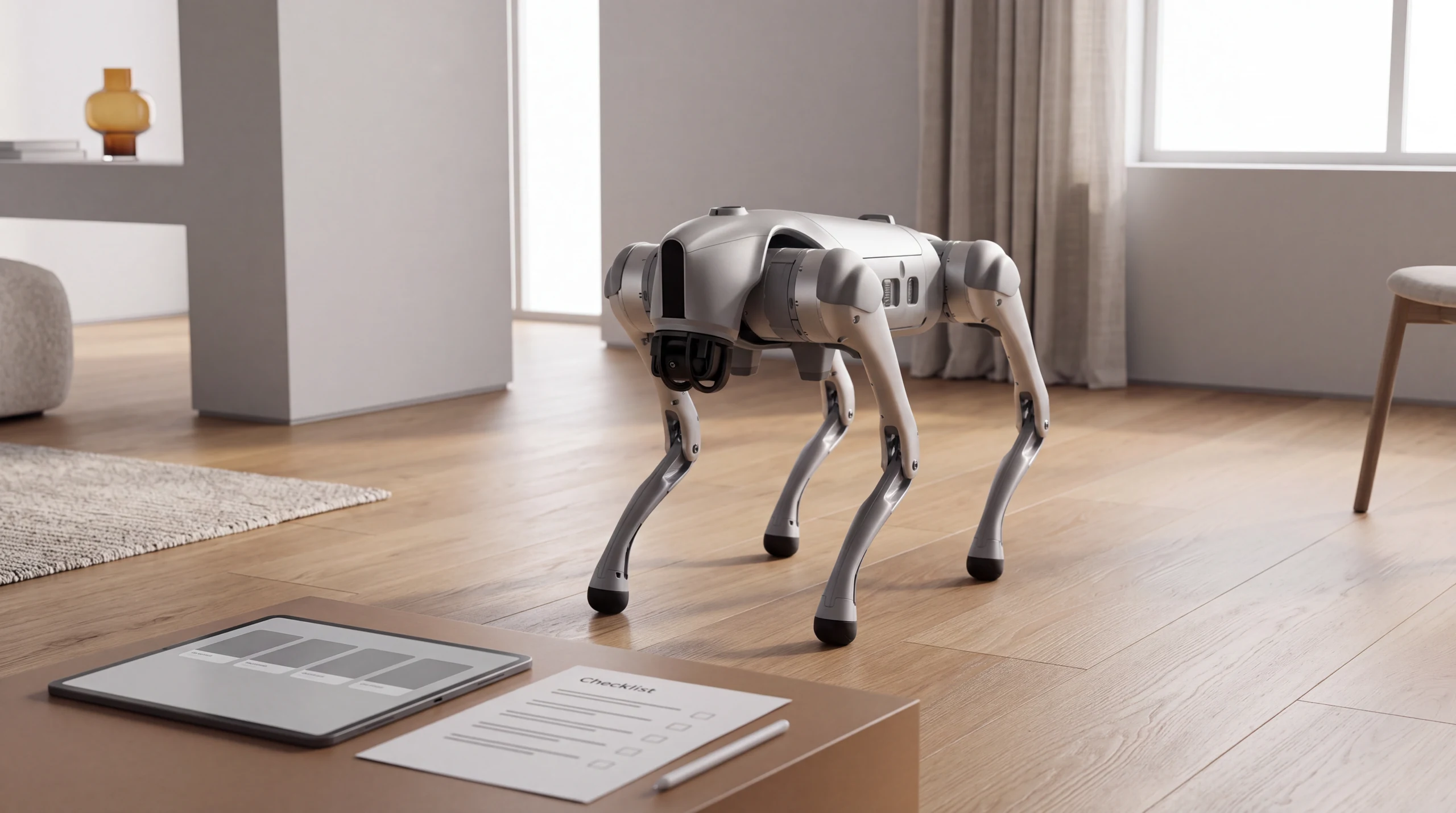
A robot dog can look identical in four videos yet become a very different purchase when the quotation, accessories and software arrive. When choosing a Unitree Go2, identifying the variant matters more than chasing the most spectacular demonstration. This documentary analysis was updated on 16 October 2026. We have not performed a hands-on test of all four models and do not assign capabilities seen on one configuration to another.
Choose the task before the variant
The official page distinguishes Air, Pro, X and EDU and warns that some capabilities require human operation or additional development. Write down what you actually want to do: command movements, explore programming, follow a route or develop an application. Ask the seller which configuration performs that task and which components it needs. “It has artificial intelligence” does not describe a verifiable function.
| Variant | Useful question before ordering |
|---|---|
| Air | Will the included functions meet my needs without additions? |
| Pro | Which function will I actually use compared with the Air offer? |
| X | Which accessories and software capabilities are included in the quote? |
| EDU | What development access is documented for this particular unit? |
This table helps compare offers; it is not a performance ranking. A more expensive variant is not automatically the better purchase. If you only want to explore prepared interactions, paying for tools you will never use does not necessarily improve the experience.
Put the included software in writing
Request a list of functions available on delivery, separating them from announced updates, optional accessories and third-party projects. Ask for the app version, phone compatibility, control modes and usable documentation. If an external service is required, ask which functions remain available without a connection.
Unitree’s download centre provides apps and manuals. Use them to compare the seller’s offer with the manufacturer’s description. Do not automatically apply a general product page to every used or imported unit. If you already own a robot, keep configuration documents with the purchase receipt: they will also help when you sell it.
Compare the whole package cost
Compare quotations containing the same items: robot, battery, charger, controller, additional modules, delivery, taxes and support. Mark an unspecified item “to be confirmed” rather than treating it as free. An isolated starting price cannot establish the final cost in your country.
For batteries, wear components and repairs, ask the seller for compatible part numbers and availability. We do not estimate annual expenditure here: without usage, operating frequency and verified quotations, that figure would be arbitrary. You can still separate the initial payment from the amount you want to reserve for maintenance and unexpected costs.
A useful demonstration resembles your intended use
Prepare two or three simple tasks and request a continuous demonstration using the same variant you would buy. Establish who sends commands, which additional equipment is connected and what happens when a task fails. An edited video can show an interesting capability without measuring how reliably it works.
The academic Milo project, published on arXiv on 21 July 2026, uses a modified Go2. It illustrates why a research demonstration does not automatically describe the standard product. We do not treat it as an included function or an update promised by Unitree.
Check what comes with a used unit
For a used robot, request variant identification, an accessory list, the declared battery condition, maintenance history and confirmation that control can be transferred to the new owner. Do not assume licences, services or commercial terms automatically follow the robot. Verify the individual case before paying.
Start with the Go2 Air and Go2 Pro pages, compare X and EDU in the catalogue, and use the ROBOLERO valuation for a robot you own. Prefer the package whose documentation and demonstrations answer your questions while clearly identifying what still needs checking.
Buying a Go2 in Europe: what is the full cost?
Compare quotations for the same variant and equipment. Unitree’s official page gives a starting price, not a complete quotation for delivery to you. Document check: 17 October 2026; no test purchase was completed.
| Item | What to ask the seller |
|---|---|
| Air, Pro, X or EDU | Exact variant, equipment, currency and quotation date |
| Taxes | Whether VAT is included and which charges remain payable |
| Delivery | Cost to your address and any stated additional fees |
| Accessories and support | Included battery, charger, controller, support and terms |
Open the total-cost calculator, choose the correct variant and enter the quoted price and shipping. It is a simulation: avoid counting included charges twice and confirm applicable taxes and fees before ordering. An unknown item is unconfirmed, not zero.
Compare Air, Pro, X and EDU. For a robot you already own, use the used-value estimate, which answers a different question from purchase cost.
Sources
Robots mentioned: Unitree Go2 Air, Unitree Go2 Pro, Unitree Go2 X, Unitree Go2 EDU
Comparison based on the cited sources. Specifications, prices and availability may change: check the exact version and final cost before buying.