
EMO or Loona: Wi-Fi, apps and cloud services before buying
Compare EMO and Loona on apps, Wi-Fi and online services: what to ask about offline use, costs and privacy before buying.
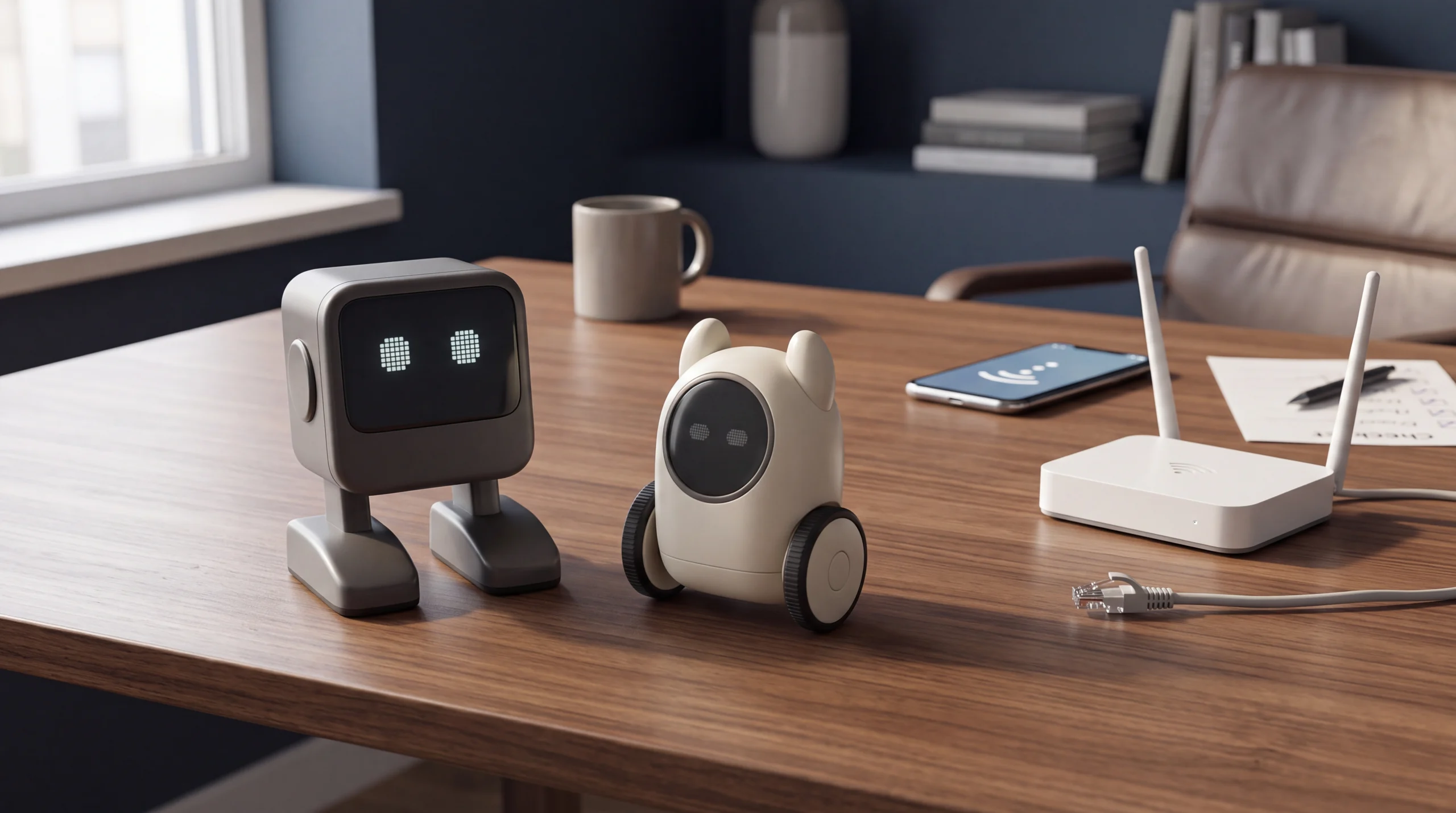
A companion robot can move, display expressions and respond to your voice without all these activities being processed in the same place. Some depend on the robot, others on a phone or online services. For someone buying an EMO or a Loona, this distinction matters more than a general promise of “artificial intelligence”. The following comparison is a document-based analysis updated on 17 October 2026, rather than our own hands-on test: it separates what is documented from the checks to request before ordering.
Two products, two settings
LivingAI presents EMO as a desktop companion. Loona is a wheeled companion robot designed to interact on the floor. This difference comes before the cloud: decide where you want to use it, how much space you have and what kind of interaction you want. A robot that entertains you beside your computer meets a different need from one that moves around the room.
In Planète Numérique’s independent review of Loona EPP 3.0, the author reports that voice responsiveness still has room for improvement. This is his experience with that version, rather than a measurement that applies to every Loona or a result obtained by ROBOLERO.
| Check | EMO | Loona |
|---|---|---|
| Main use | Desktop companion | Mobile companion on wheels |
| Network | Specifications: Wi-Fi 802.11 b/g/n | Guide: dual-band Wi-Fi |
| App | EMO Pet: settings and games | Setup and account pairing |
| Without Internet | Request the list for the installed firmware | Local interactions distinct from online services |
| Before buying | Try the intended task on your own phone | Confirm the variant, app and included functions |
“Without an app” does not mean “without Internet”
Closing the phone app, disconnecting the robot from Wi-Fi and cutting off Internet access are three different conditions. A video showing a robot moving while the phone is switched off does not, on its own, prove that voice recognition or a conversation is processed locally.
KEYi’s guide distinguishes Loona’s offline interactions from voice functions, updates and remote control, which require a connection. It therefore provides no basis for promising that all functions remain available without a network. The EMO Pet page describes settings and games in the app; it is not a complete matrix of offline functions. Having a processor inside the robot does not prove where each request is processed either.
A simple demonstration before buying
Write down three activities you would actually use: for example, a touch interaction, a game and a spoken question. Ask the seller to demonstrate them using the same variant and firmware as the offer. Repeat the check with the app closed and, if possible, without Internet access, noting what works, what changes and what does not respond.
Do not interrupt an update to carry out the check. If the seller cannot demonstrate a condition, leave it marked “to be verified”: do not turn the absence of an answer into a guaranteed capability. For a used purchase, add pairing with the new account and the availability of original accessories to the checklist.
Ownership costs: the package matters
This comparison does not assign a universal price to either robot: offers, variants, currencies and included equipment may differ. Compare quotes that specify the robot, charging system, accessories, shipping and taxes. Ask separately which services are included, what limits they may have and whether any functions require a subsequent payment. Do not assume that “included today” means guaranteed availability forever.
Also consider the time needed for setup and updates. For the battery, charger and repairs, ask about availability, compatibility and quotes, without inventing an annual cost. Used value also depends on the ability to use and transfer the product: keep documents, the software version and a description of the package.
Privacy and the final choice
Before activation, check the permissions requested by the app and look in the privacy notices for which data is processed and how to manage accounts and content. The presence of a camera or microphone does not, on its own, demonstrate continuous recording; equally, a robot that can move offline is not automatically independent of the cloud. If an answer is missing, ask the manufacturer rather than replacing it with an assumption.
EMO deserves consideration if you mainly want companionship on your desk; Loona if you want mobile interaction in the room. If using the robot without online services is the decisive requirement, choose only after a demonstration of the activities that interest you. To compare alternatives, start with the ROBOLERO catalogue and the Loona profile; for your own robot, you can use the ROBOLERO valuation. A useful choice is one that matches your real use, with dependencies and limits understood before buying.
Sources
- LivingAI — EMO, presentazione del prodotto living.ai
- LivingAI — specifiche ufficiali EMO living.ai
- LivingAI — app EMO Pet living.ai
- KEYi — Loona, Wi-Fi, app e funzioni online keyirobot.com
- Planète Numérique — recensione indipendente Loona EPP 3.0, 22 febbraio 2026 planetenumerique.com
Robots mentioned: KEYi Loona
Comparison based on the cited sources. Specifications, prices and availability may change: check the exact version and final cost before buying.