
Loona ignores voice commands: five checks before a reset
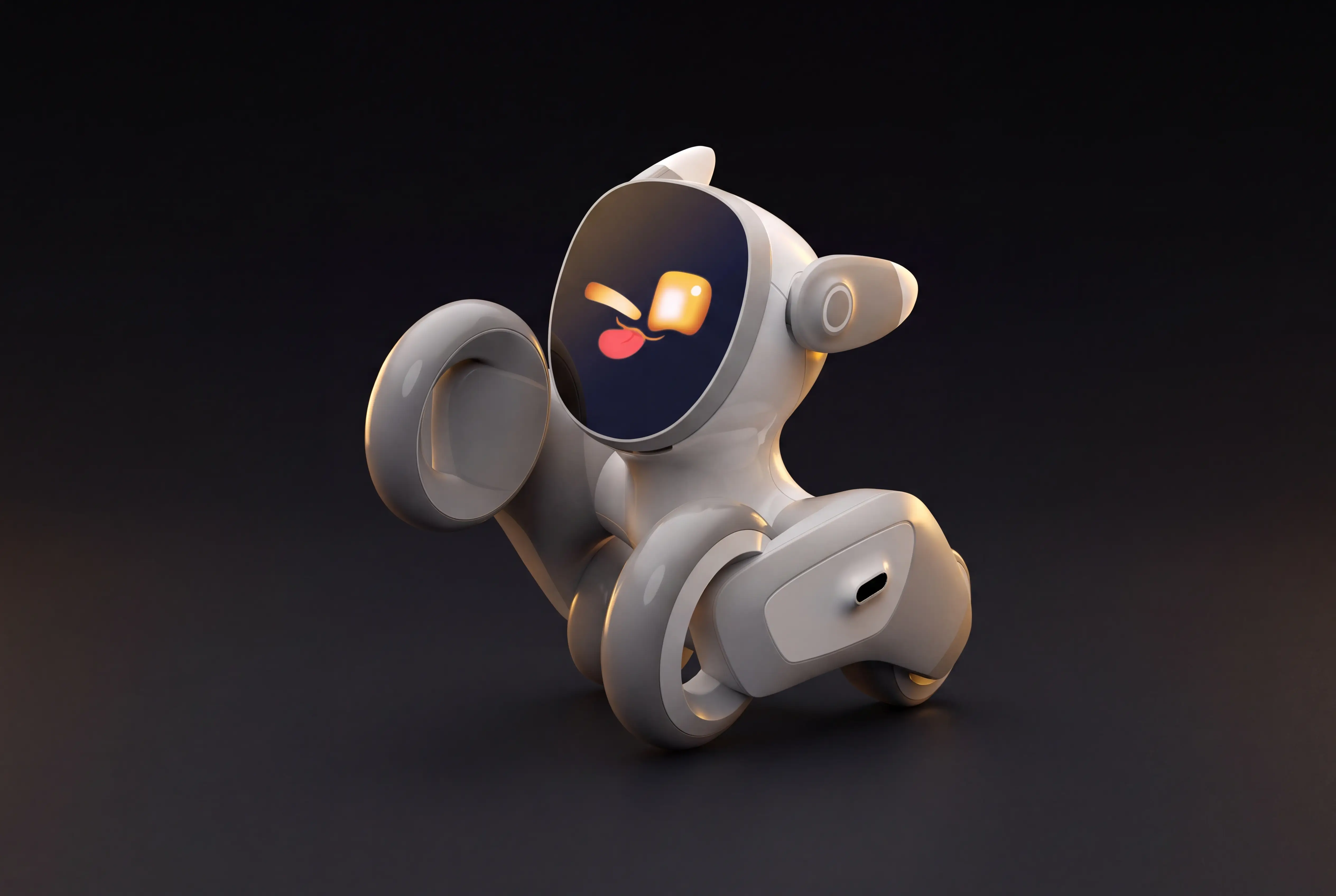
Loona Petbot Premium can respond to speech, move and play. When a command fails, speaking louder is not a diagnosis. First check whether the robot is listening, which software version it runs and whether the phrase is documented. This guide concerns the Petbot Premium variant shown by KEYi and the V30 update. It is a document-based guide, not a ROBOLERO hands-on test.
Confirm your exact kit
KEYi's product page offers Premium, Buzzer Beater and Space Edition bundles with different accessories. Check the name on your order and what was actually supplied; a charging dock or game prop shown in a photo may not be included. KEYi identifies V30 as robot software 1.5.6 and app 2.8.0. Check both versions before comparing your experience with an online tutorial. Let any update finish with reliable power and Wi-Fi.
| Check | What to observe | Next move |
|---|---|---|
| Variant | Petbot Premium and actual accessories | Avoid instructions for another bundle |
| Versions | Robot 1.5.6, app 2.8.0 in KEYi's V30 note | Use the official update path if available |
| Listening | Speech indicator on the face screen | Give one short command |
| Distance | Within about two metres in a quiet room | Move closer and reduce noise |
| Response | Motion, expression or confused look | Record the exact phrase and result |
A five-step test
- Put Loona on a clear floor, away from stairs, cables and edges. Leave space ahead for a movement command. Switch it on and check that the paired app sees it. A network problem can confuse the diagnosis, so do not treat every failure as a microphone fault.
- Say “Hello Loona” once in a normal voice from nearby. KEYi says Loona looks toward the speaker and shows a speech indicator. Wait for that signal before asking it to do anything. Without the indicator, the next phrase has not necessarily been received.
- Use a documented command such as “Go Go Go” to move forward. Watch whether Loona moves, remains still or shows the confused expression KEYi describes. This controlled test is more useful than trying random phrases. Stop the robot before it reaches an obstacle.
- After an action, KEYi says the speech indicator may remain on screen and another command can follow without repeating the wake phrase. Try a second, separate documented instruction. If Loona is confused, wait for the listening state before trying again. Free conversation does not prove reliable physical control.
- Repeat the same test once in a quieter place. Note the robot version, app version, language, distance, exact phrase and response. If it works only nearby, noise or distance may be involved. If the indicator never appears, check the listening state and update first. Give this record to KEYi support instead of installing unverified firmware.
What V30 changes
KEYi says V30 replaced both the wake model and command interpretation. It reports fewer missed and false wake-ups but supplies no independent household accuracy percentage in that note. The version numbers therefore matter more than the broad claim that Loona now “listens better”. The same update mentions docking and hotspot fixes, which are separate functions. A poor return to the dock does not by itself prove a voice-recognition defect.
Planète Numérique's independent test of Loona EPP 3.0 found voice responses imperfect and the app in English during its test. That experience predates V30 and is not a measurement of your current software. It shows why firmware, language and room conditions must be stated when comparing results. If control in your language is essential, ask the seller to demonstrate the exact variant and software you will receive.
When to stop and how to choose
Do not test movement beside small children, pets, stairs or fragile objects. Update only through KEYi's official route. For a used robot, also verify transfer from the previous account before blaming speech recognition. If the listening indicator never appears or a documented phrase repeatedly fails under the same conditions, contact support with a short clip and the notes above; keep account details and home footage out of public forums.
Loona makes sense when you want expressive play and the commands you value work in your home. These sources do not establish it as a dependable assistant for critical domestic tasks. Compare the Loona model page with other robots and ask for a demonstration of your own task before buying. Sources: KEYi voice guide, KEYi V30 note, Planète Numérique test.