
Robot dog battery life: Go2 packs, charging and a useful check
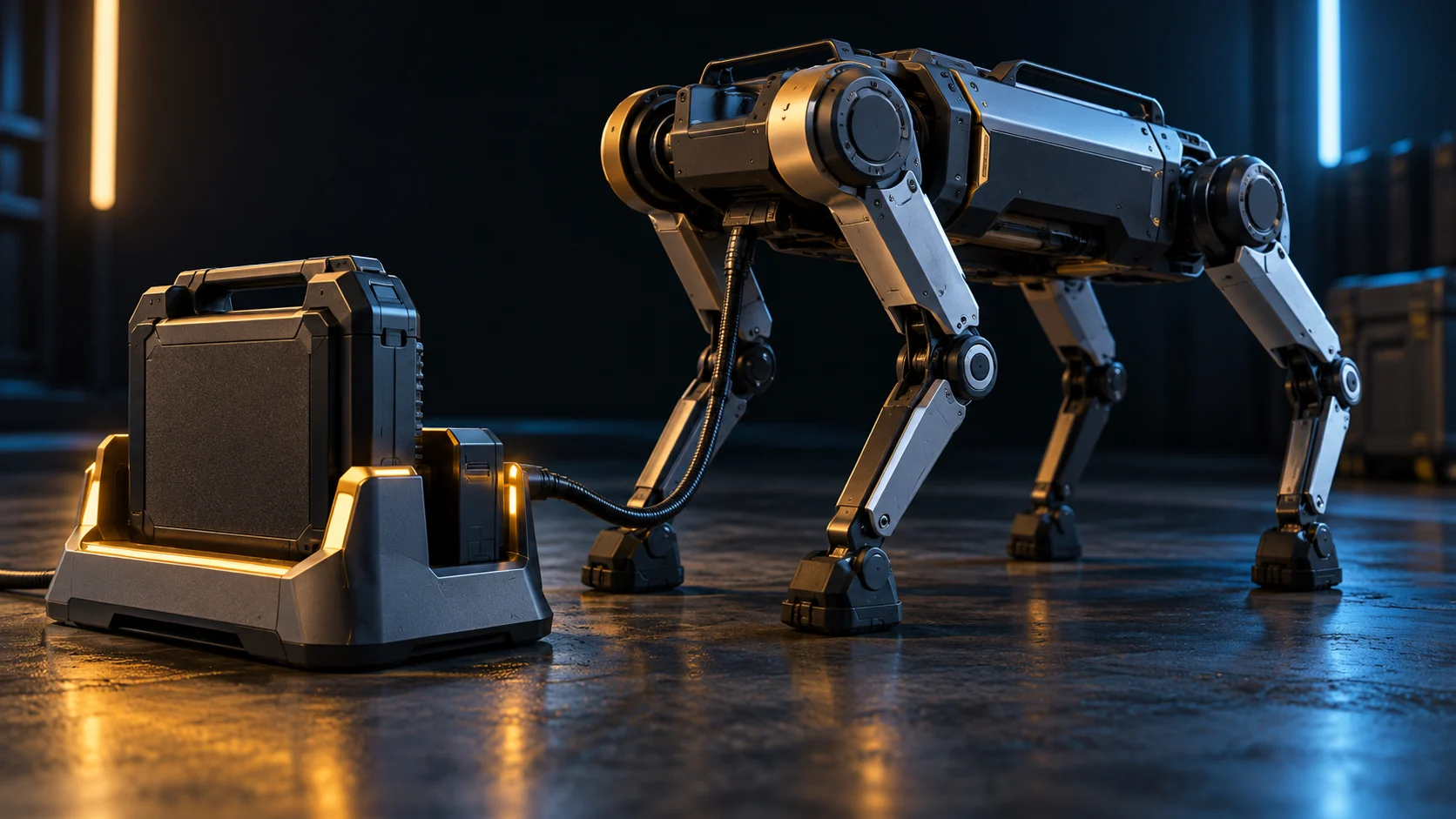
How long does a robot dog’s battery last? For the Unitree Go2, the official table lists about 1–2 hours for Air, Pro and X and 2–4 hours for EDU, with different packs. These are manufacturer figures, not runtime measured by ROBOLERO. To buy sensibly, identify the battery supplied, how it charges and how much of your activity it can complete before stopping.
Declared figures, with the configuration
We checked the official sources again on 18 October 2026. Unitree’s Go2 page lists the configurations below. Boston Dynamics’ Spot page provides a professional reference, not an equivalent home-use alternative.
| Model and equipment in the source | Listed battery | Declared runtime |
|---|---|---|
| Go2 Air, Pro and X | 8,000 mAh | About 1–2 hours |
| Go2 EDU | 15,000 mAh | About 2–4 hours |
| Spot, product-page configuration | 564 Wh | 90 minutes average |
Unitree notes variation with scenarios and configurations; Boston Dynamics identifies payload and environmental effects. These are not tests using the same route, speed or accessories. Milliamp-hours alone cannot compare packs at different voltages: ask for energy in Wh and the pack identifier too.
One discrepancy matters: the Go2 battery manual currently linked by the manufacturer, page 3, lists 3–5 hours for BT2-06, whereas the robot page lists 2–4 hours for EDU. We neither select the highest number nor merge them into a new range: the sources do not document a common test protocol that makes them equivalent. Have the battery, configuration and runtime applicable to your offer confirmed.
What duration do you actually need?
A demonstration with the robot standing still does not answer “will it complete my session?” Ask for a demonstration of the intended activity: controlled walking, interaction or development with the actual accessories fitted. Record moving time and pauses separately. One elapsed hour with long breaks is not an hour of continuous movement.
This is a proposed purchase check, not a laboratory test already performed. Without a described measurement, we assign neither “real” minutes to each model nor a universal percentage reduction from advertised figures. An observation on one unit remains tied to those conditions.
Charging: the charger matters too
Page 3 of the Go2 manual distinguishes the 8,000 mAh BT2-05 and 15,000 mAh BT2-06. It lists 2 and 4 hours, respectively, with the standard charger, or 0.8 and 1.5 hours with the fast charger. These are declared times for those combinations, not a promise for a used pack. The charger page also distinguishes standard and fast versions.
Before ordering, request the battery code, included charger, compatibility and applicable manual. Do not assign a fast charger to every Go2 because it appears in a demonstration. Spot’s product page lists 60 minutes to recharge: that is a different system, not a Go2 charging time.
A practical check without running to shutdown
- Identify the unit. Record the variant, battery code, accessories, firmware, initial charge and activity agreed with the seller. Read the Go2 user manual first.
- Prepare a suitable area. Follow the manual’s environmental limits, clearances and procedures; keep visual control and do not improvise rain, impact or acrobatic “stress” tests.
- Time the useful session. Record activity, breaks, final charge and warnings. Stop according to manufacturer instructions: the Go2 battery manual recommends ending use below 40%. Do not continue to force a full shutdown or extrapolate the result to zero charge.
- Charge correctly. For Go2 the manual requires the pack to be switched off and removed; after use, wait until it reaches room temperature. Use the specified official charger, supervise charging and avoid damaged components. Do not open or modify the pack.
Choosing and budgeting
Compare Go2 Air, Pro and Spot, then the Go2–Spot comparison. If the session is too short, request a quotation for a compatible solution: do not assume a spare pack removes cooling, handling and charging time. The full-cost guide separates equipment, accessories and delivery without reusing historical battery prices.