
Nybble Q or Bittle X V2: sensors, versions and programming
A documentary comparison of Nybble Q and Bittle X V2: sensors, programming, configurations and costs to check before choosing an educational robot.
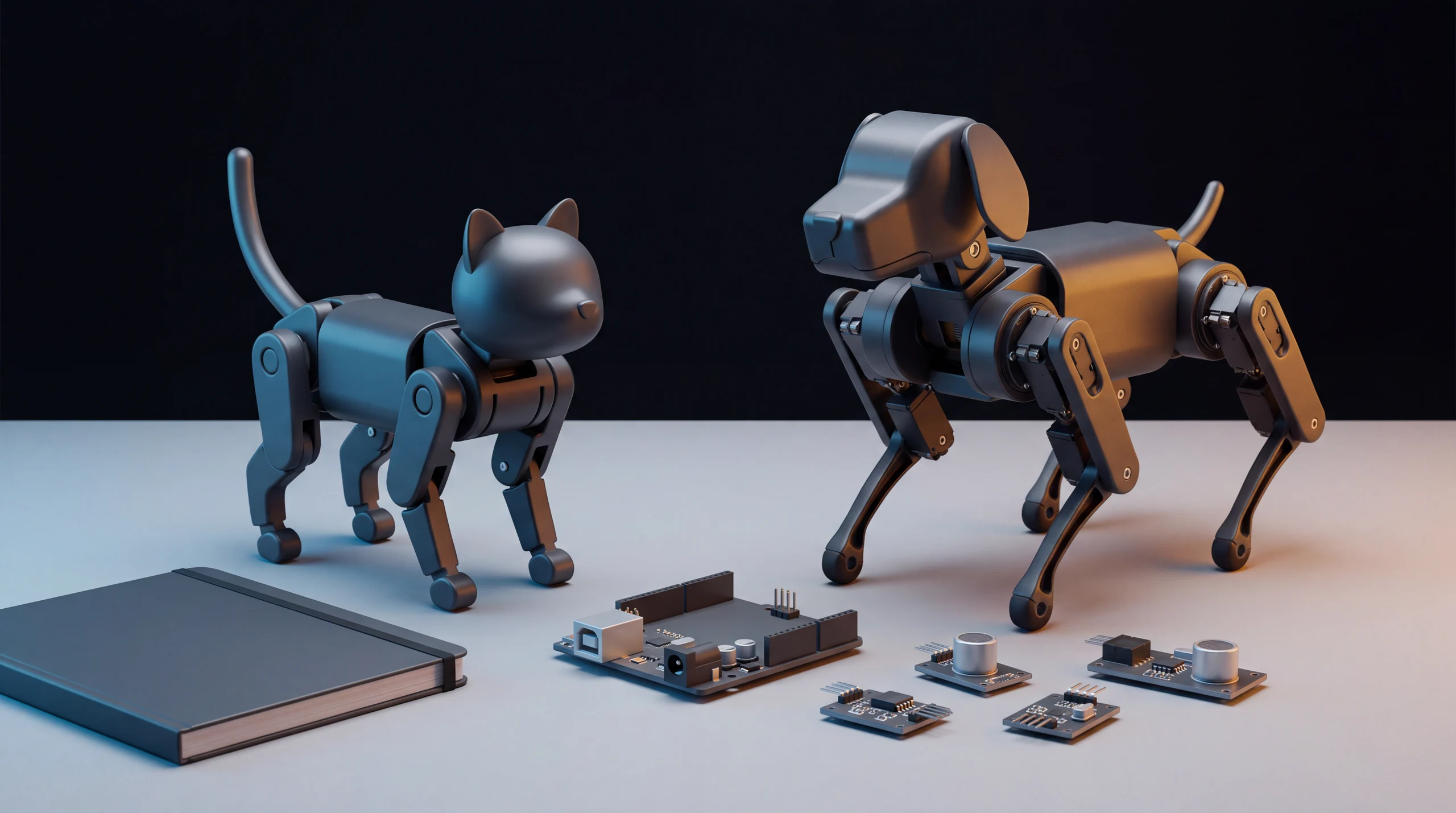
Identify the version before choosing the shape
Nybble Q and Bittle X V2 are small Petoi quadrupeds for learning robotics and programming. The useful difference goes beyond cat versus dog: sensors, joints, the configuration purchased and the time available for a project matter. This documentary comparison uses the official guides and Make's independent 2025 review. It is not a ROBOLERO hands-on test and does not describe either model as today's new release.
We compare Nybble Q with Bittle X V2 without the arm. The older wooden Nybble, original Bittle, earlier Bittle X and V2+Arm need their own documentation. A shortened sales description does not identify the hardware adequately: before paying, ask for the exact version, controller board, servo type and included equipment.
What actually differs
| Aspect | Nybble Q | Bittle X V2 without the arm |
|---|---|---|
| Joints specified by Petoi | 11 servos, including neck and tail | 9 servos |
| Controller in the current guides | ESP32-based BiBoard V1 | ESP32-based BiBoard V1 |
| Sensors relevant to this comparison | Make describes ultrasonic eyes for distance sensing | The guide lists a gyroscope and a back touch sensor; it lacks the same ultrasonic eyes |
| Documented programming | Petoi Coding Blocks, C++ and Python | Petoi Coding Blocks, Web Coding Blocks, C++ and Python |
| A natural starting project | Cat expressiveness and distance responses | Movement sequences and touch interaction |
These are specifications or descriptions from the sources, not measured performance. Servo count does not measure intelligence. Having a distance sensor also does not establish that the system can move safely throughout a home.
Voice, blocks and code are different levels
Both guides describe more than 35 predefined actions available through voice commands, plus the ability to program ten additional commands. They document switching between English and Chinese: we do not turn that into a promise of Italian recognition or unrestricted conversation. A command linked to a movement differs from an assistant that understands any request.
Blocks offer a way to arrange actions without immediately writing a text-based program. Python and C++ provide a next step, but tools, connections and joint behaviour still require learning. The guides also list free lessons. Language support does not mean a finished household application comes with the robot.
The V2 guide lists feedback servos; Make describes creating actions by manually moving the limbs. This offers an interesting way to study poses and sequences when following the procedure for the exact version. It is not an invitation to force joints or modify electronics without instructions.
Which one fits a family or workbench?
Nybble Q makes sense when the intended project concerns expressiveness, the tail and distance responses. For example, a learner could start by studying a movement sequence and then consider incorporating a sensor input. That is an educational goal, not an autonomous feature we have verified as ready to use.
Bittle X V2 is a coherent choice for focusing on movement, commands and touch input, with compatible extensions to consider later. Make distinguishes the version with a head from the one with an arm: a V2+Arm grasping demonstration does not establish that the base V2 can pick up objects. If manipulation is the goal, explicitly compare that other configuration.
For a child or a complete beginner, the availability of an adult or project partner also matters. Make's review describes small interventions involving connectors and setup. Those examples help explain the nature of the product; they are not a failure rate or a diagnosis applying to every unit.
Compare the cost of the configuration
We do not use a 2025 review's test price as a current quotation. Kit versus assembled, servo type, arm and additional modules can change what arrives. Before buying, compare the delivered total for your country, taxes, shipping, battery, necessary accessories and support. Ask how compatible replacement parts can be obtained, too.
The final choice is practical: Nybble Q for a project centred on expressiveness and distance; Bittle X V2 for movement and touch interaction. In both cases, buy the version you can document and maintain rather than the one in the most spectacular video. The Bittle X profile, catalogue and ROBOLERO valuation provide next steps for the comparison.
Sources
Sources consulted on 17 October 2026: official Nybble Q guide, official Bittle X V2 guide, Petoi range and configurations, independent Make review.
Sources
- Petoi — guida ufficiale Nybble Q guide.petoi.com
- Petoi — guida ufficiale Bittle X V2 guide.petoi.com
- Petoi — gamma e configurazioni attuali petoi.com
- Make — recensione indipendente Petoi Programmable Robot Pets (2025) makezine.com
Robots mentioned: Petoi Bittle X
Comparison based on the cited sources. Specifications, prices and availability may change: check the exact version and final cost before buying.