
Loona: where to put the dock and what to expect from charging
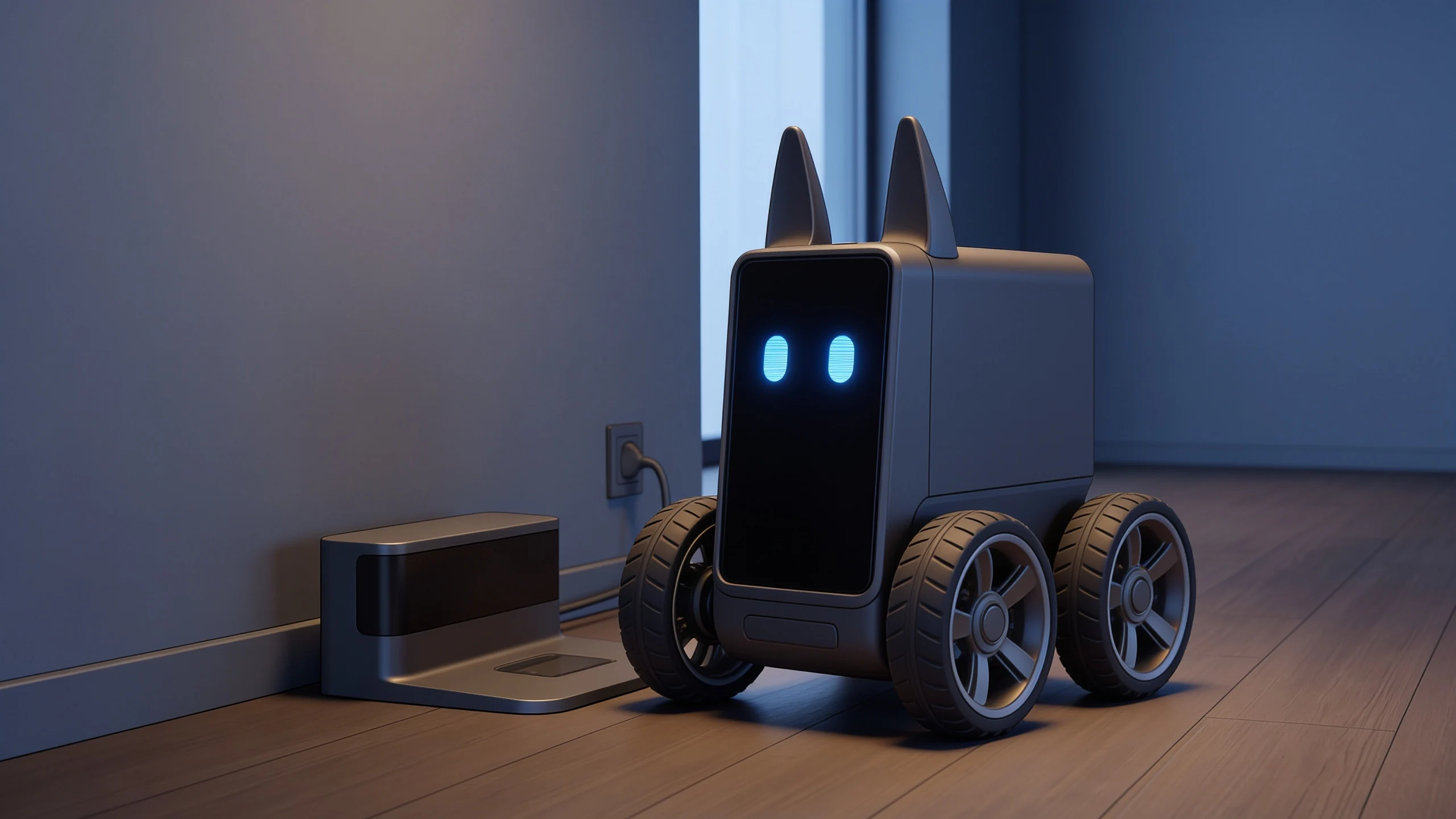
Loona’s charging dock is more than somewhere to park the robot. It is an accessory to choose and position carefully, particularly if you want to use automatic return. This documentary guide draws on KEYi’s instructions and Planète Numérique’s independent EPP 3.0 review. We have not measured runtime or docking success: package contents, charging and automatic behaviour are separate questions.
First check whether the dock is included
Do not assume two offers named Loona contain the same accessories. The official tutorial distinguishes a Standard package without a dock and a Premium package including one; KEYi also sells the station separately. In its review of 22 February 2026, Planète Numérique confirms that the reviewer’s EPP 3.0 came with a base, while noting that the robot can be sold without it.
Check your actual order. Request an itemised contents list and establish which base, cable and power equipment are required. Package names in the tutorial do not guarantee that every retailer uses the same combinations today. For a used unit, a photograph of the robot alone cannot establish the complete package.
| Aspect | What to check | What it does not prove |
|---|---|---|
| Dock in the package | Exact contents of the offer | Inclusion with every Loona |
| Cable charging | Method supported by your unit | Automatic return |
| Powered dock | Connection according to instructions | Finding it from every room |
| Dock position | Visible markers and clear access | A universal success rate |
| Reported runtime | Source, version and usage | The duration of your particular session |
Position matters for navigation
KEYi says to place the dock with its rear facing the wall and keep the graphic codes on its front and sides unobstructed. Loona uses these references when returning. It also recommends an open area without obstacles on either side. A visually discreet position behind furniture can therefore conflict with the manufacturer’s guidance.
Before choosing a permanent position, look at the room from the robot’s level. Do objects or furniture block the references or approach? We do not add minimum clearances in centimetres, permitted slopes or a promise of room-to-room return. The consulted sources do not provide sufficient evidence for those figures here.
Charging and finding the dock are different checks
The official product page describes the dock as an automatic-charging accessory. That establishes its intended function, rather than measured reliability in every home. If you are assessing a unit before buying it, ask for separate demonstrations of base recognition and actual charging after arrival.
The EPP 3.0 review also mentions charging through USB-C. Do not confuse that option with the ability to search for the dock. A video showing the robot already on the station records something different from a return beginning elsewhere. This distinction also helps when seeking support: describe what happens instead of automatically calling every unsuccessful return a battery fault.
Reading runtime and charging times
KEYi’s tutorial gives approximately one and a half hours of use and about two and a half hours for the first charge. Planète Numérique reports one and a half to two hours of intensive use for its EPP 3.0 and roughly three hours of charging through the dock or USB-C.
These are figures reported and contextualised by their respective sources, rather than comparable results from one shared test protocol. We do not turn them into a guarantee for every version, used battery or operating mode. They help plan sessions and breaks with reasonable expectations, while checking the actual unit remains necessary.
What is worth buying
Compare the complete package cost, rather than the robot price alone. Establish whether a separate dock, power equipment or missing accessories must be added to the offer for your country. We do not calculate a total using unverified currency conversion, taxes or shipping, or recommend DIY battery replacement.
A dock makes sense if you want a permanent charging location and to try automatic return under the documented conditions. Clarify the contents and the function you will actually use before purchasing. Start with the Loona page, compare the catalogue and, for a used unit, accompany a valuation with checks of its accessories and operation.