
Mini Pupper 2: first start without mixing up images and versions
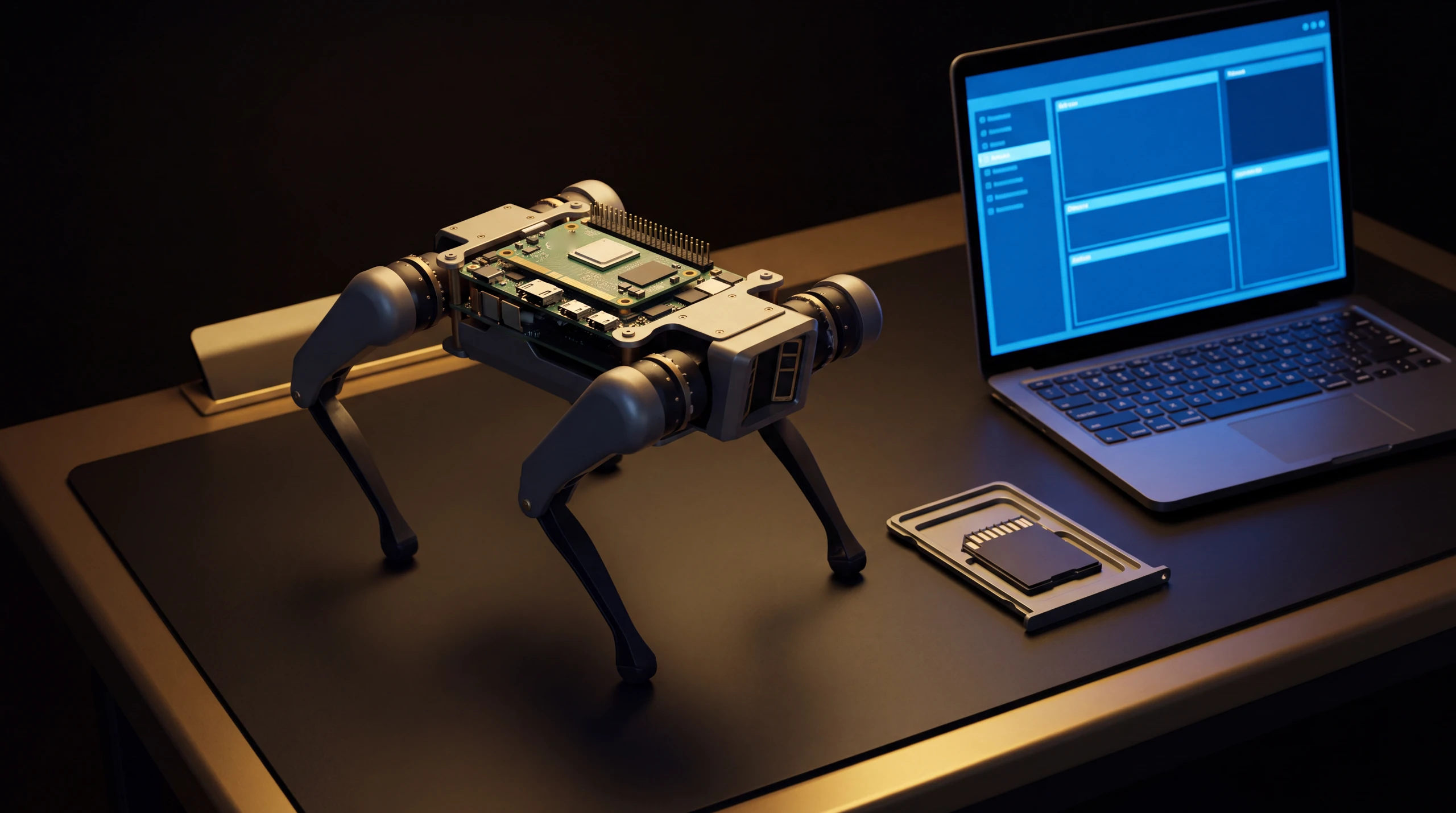
A newly delivered Mini Pupper 2 does not necessarily need Linux reinstalling. The first useful decision is to identify the package you bought and the software already supplied. This documentary guide helps you prepare the MangDang model in the ROBOLERO catalogue. We have not performed a hands-on test, and the guide does not cover the original Mini Pupper or Mini Pupper 2 Pro.
Start with the package, not a download
MangDang’s store distinguishes a pre-assembled kit, a kit with pre-assembled legs and an upgrade kit. Treat these as different packages. Compare your order confirmation with the contents: complete robot, storage, power equipment and accessories. An upgrade kit should not be interpreted as a complete robot ready to switch on.
The official Quick Start says the software is already on the SD card of a pre-built robot purchased from the manufacturer. If that describes your unit, start with the operating instructions rather than an unnecessary rewrite. For a used, modified or third-party supplied robot, ask which image is installed. Finding a card inside does not prove its contents are original.
| Situation | Useful first check | What to avoid |
|---|---|---|
| Pre-built with original software | Follow the documented first start | Immediately rewriting the SD |
| Kit needing completion | Check assembly and required parts | Assuming everything is included |
| Used or modified system | Record the hardware and installed software | Choosing an image by name alone |
| ROS 2 project | Read robot and computer requirements | Running PC installation steps on the robot |
Match the image to the exact model
The Quick Start provides separate links for Mini Pupper 1, Mini Pupper 2 and Mini Pupper 2 Pro images. Respect that distinction even when search results show similar tutorials. Open the official documentation linked in the sources and check the hardware match before downloading.
If you need to restore the system, first keep a copy of files and configuration you want to retain. During writing, check which storage device you have selected: a correct procedure aimed at the wrong disk can erase unrelated data. We do not provide a universal flashing command or recommend a microcontroller update here. Writing a system image and changing firmware are different operations.
The first control method can use a browser
Do not buy a handheld controller assuming one always comes in the box. The current product page says it is not included and recommends the Wi-Fi Web Controller, noting possible Bluetooth instability associated with the CM4 module. The Quick Start also describes a handheld-controller route. These are different options, not evidence that every combination is already configured.
Choose the route supported by your image and follow the official networking instructions. Before changing software, distinguish a connection problem from a startup problem. Does the robot power on? Is the computer on the intended network? Can you reach the control page specified by the manual? These checks help locate the issue without automatically blaming the motors or operating system.
ROS 2 is a later project
The official repository’s consulted ros2-dev branch specifies Ubuntu 22.04 and ROS 2 Humble. It separates setup on the robot from setup on the computer. These requirements do not promise compatibility with every Ubuntu, Raspberry Pi or ROS version.
Devemin’s original review of 3 February 2025 documents a Mini Pupper 2 with CM4, Linux and Python code; the author discloses receiving a sample from the manufacturer. It provides an external observation of the platform, rather than certification of every image available today. ROS 2 support does not mean navigation, sensors and accessories work without configuration.
Costs and the practical choice
Allow for missing accessories, spare storage and configuration time. Check the exact offer before purchasing a camera, LiDAR or controller; videos do not establish package contents. We do not give a total price applicable to every country and configuration.
First establish repeatable basic operation with software suitable for your unit, then move on to ROS 2 or modifications. For learning and experimentation, consult the Mini Pupper 2 page and compare it with the catalogue. For a used unit, accompany a valuation with an actual check of its equipment and condition.